Quasimorph Difficulty Settings Guide
Presets, sliders, Unfair penalties, and what actually makes missions hard
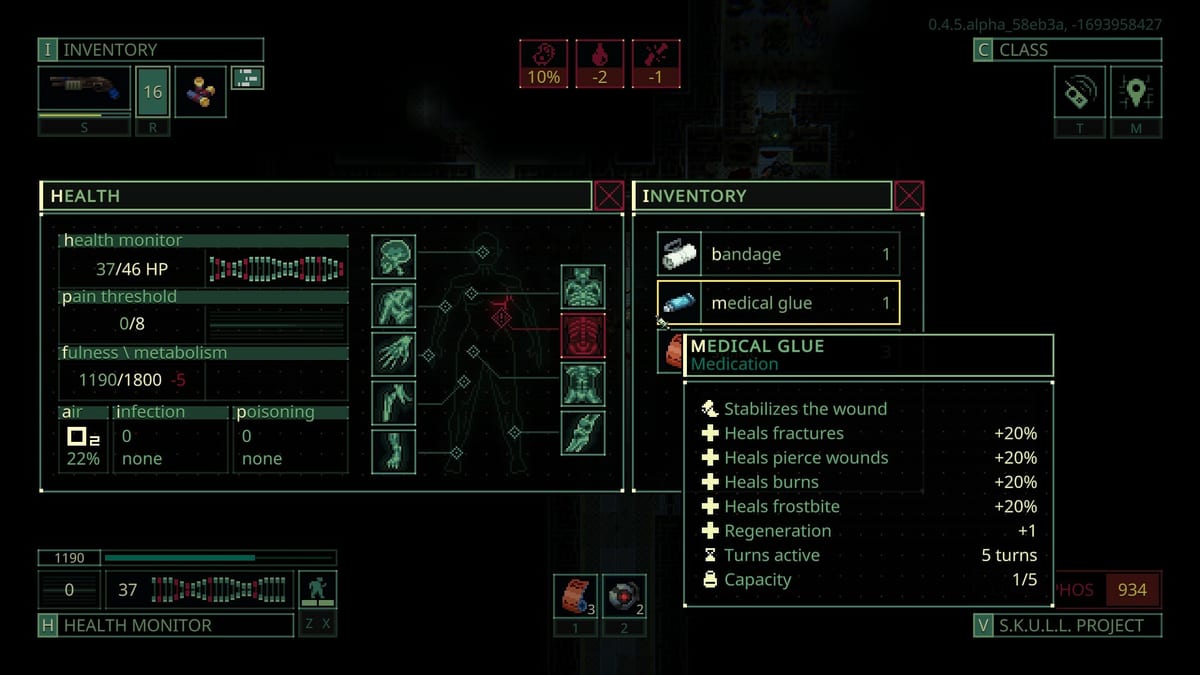
Quasimorph is a single-player turn-based extraction RPG on Steam developed by Magnum Scriptum and published by HypeTrain Digital. Version 1.0 launched July 31, 2026 after years in Early Access, adding full storylines and refined balance. Difficulty is not a single number on the mission board — it is a stack of campaign presets, optional sliders, faction tech scaling, and station horror pressure. This guide explains Easy, Normal, and Unfair, what Unfair actually changes, how custom sliders work, and why skull ratings on contracts mislead new players.
If you have never extracted a clone successfully, start with Getting Started with Quasimorph before you touch Unfair. Difficulty multiplies mistakes you have not fixed yet.
The three presets and Customize
On a new campaign or in recent saves, Quasimorph offers four entry points:
- Easy — Reduced enemy pressure and gentler economy curves for players learning AP combat and extraction timing.
- Normal — The baseline Magnum Scriptum tuned for version 1.0. Most sliders sit near 100%.
- Unfair — A community-documented hard mode with stacked penalties across vision, stats, crafting, operators, and rewards.
- Customize — Individual sliders you can tune, save as named presets, and adjust mid-save in recent builds.
Presets are starting bundles, not permanent locks. After you understand what each slider does, Customize lets you dial one axis without accepting every Unfair change at once.
How sliders scale
Custom difficulty sliders generally run from roughly 50% to 200%, with Normal near 100%. Unfair applies community-observed offsets of about ±20% on many axes compared to Normal — enough to compound across combat, economy, and progression without turning every knob to maximum.
Recent versions also let you change sliders on an existing save and save custom presets for future campaigns. That matters when you outgrow Normal combat but are not ready for full Unfair economy starvation: raise enemy stats while keeping starting credits generous, or tighten vision without disabling early extraction rules.
Document your preset name on the Magnum so you remember which save used which bundle. Mixed custom profiles behave differently from pure Unfair even when individual sliders look similar.
What Unfair actually changes
Community testing on Unfair highlights penalties beyond a simple enemy health bump. Treat this list as a preparation checklist, not a reason to enable Unfair on day one.
Combat and vision. Enemies gain roughly +2 vision over Normal, lifting typical spotting range from about six tiles toward eight. Combined with higher enemy stats and action points, patrols see you earlier and punish door mistakes described in Room Clearing Tactics and Combat Stances in Quasimorph. Unfair rewards examination and Sneak entry more than Normal because contact happens sooner.
Production and crafting. Production is not unlocked at start on Unfair, and crafting runs slower. You cannot lean on early ship manufacturing to fix bad loadouts. Plan barter and loot routes from Getting Started more carefully, and weigh kits in the Loadout Planner before every deploy.
Extraction rules. You cannot evacuate until the mission objective is complete — no early chip extract to bail out with partial loot. Greed kills that Normal forgives become campaign setbacks. Finish contract goals before you path to exit, especially on timed or multi-stage jobs cataloged in Mission Types in Quasimorph.
Mission tuning. Unfair does not make starting missions easier to compensate. Early Mars and Phobos contracts use the same structural pressure; only your weaker starting position changes.
Starting resources. Expect less starting gear, two operators unlocked instead of four, lower starting faction reputation, and reduced credits and reputation rewards from contracts. Factions also grow faster, so neglected relationships hurt sooner. Pair this with Beginner Classes you actually know rather than chasing unlock breadth.
The embedded video shows Unfair early-game pacing on a fresh deploy — use it to see vision and economy bite before you commit a long save.
Easy versus Normal for first campaigns
Recommend Normal for your first full campaign. Normal teaches the intended balance for version 1.0 systems documented in the Patch 1.0 Notes: throwing weapons, operator damage, faction tech curves, and Quasimorphosis escalation on horror stations.
Easy is valid if turn-based AP combat is new to you or if you want to read story dialogue without combat stress. It is not a separate game mode — mechanics, resistances, and extraction rules still apply. Move to Normal once you can reliably extract from the Mars absentia triangle without losing every clone.
When to enable Unfair
Enable Unfair after you have mastered Mars, Phobos, and Deimos — the absentia moons with no Quasimorphosis — and after midgame combat habits from Midgame Combat Guide feel automatic. Unfair assumes you already doorway-kite, carry two damage types, and reserve extract AP.
Unfair is a prestige challenge for players who want fewer safety nets, not the authentic way to experience 1.0 storylines the first time. Story keys, faction gates, and horror tempo still follow the same mission types; Unfair just removes margins.
Mission skull ratings are not full difficulty
Contract skull ratings mark harder missions within your current campaign settings. They adjust pressure, rewards, and horror climb rate on Quasimorphosis stations — they do not replace campaign difficulty presets and they do not always mean a separate enemy bestiary.
True mission difficulty stacks:
- Campaign preset or custom sliders — vision, stats, crafting, operators, economy.
- Power concentration — how much loot and barter value you bring versus expected faction tech on that station.
- Faction tech tier — midgame resistances and mixed squads outpace starter kits even on Normal.
- Quasimorphosis level — horror stations escalate independently of skull icons; read Quasimorphosis in Quasimorph before you blame skull count alone.
A one-skull Normal Mars run with fresh clones can feel easier than a three-skull Unfair horror contract with outdated guns. Skulls signal contract intensity, not your entire difficulty profile.
Building a custom profile
Use Customize to isolate one pain point:
- Raise enemy stats while keeping starting credits at Normal if combat is fine but economy feels trivial.
- Tighten enemy vision without enabling no early extract until you trust objective routing.
- Slow crafting only after Production is unlocked so early missions still teach loot value.
Save presets when you find a sweet spot. Mid-save slider changes in recent versions let you escalate an ongoing campaign instead of rerolling forty hours of story progress.
Difficulty and loadout planning
Higher difficulty magnifies loadout mistakes. Unfair’s reduced starting gear and fewer operators mean your first missions run closer to bare kits — examination, stances, and typing matter immediately. Always cross-check weight, damage categories, and medkit counts in the Loadout Planner before Unfair deploys.
Operators unlocked later on Unfair still follow the same combat rules as Normal; you simply have fewer bodies to assign. Master Combat Stances on one operator before you spread attention across a half-unlocked roster.
Related reading
- Getting Started with Quasimorph — extraction loop before difficulty spikes.
- Midgame Combat Guide — resistances and doorway kiting for harder stations.
- Mission Types in Quasimorph — objective rules Unfair locks behind extract.
- Patch 1.0 Notes — balance context for Normal baseline.
- Beginner Classes — starter kits when Unfair limits operators.
- Quasimorphosis in Quasimorph — horror layer beyond campaign presets.
Frequently Asked Questions
Quick answers to the most common questions.
Should beginners play Quasimorph on Normal or Unfair?
Start on Normal for your first campaign. Normal matches version 1.0 baseline balance. Pick Unfair only after you reliably clear Mars, Phobos, and Deimos and understand stances, examination, and extraction timing.
What does Unfair difficulty change in Quasimorph?
Unfair adds roughly +2 enemy vision, higher enemy stats and AP, no Production at start, slower crafting, no extract until objectives finish, less starting gear, two operators instead of four, lower faction rep and rewards, and faster faction growth. Starting missions are not made easier.
Can I change Quasimorph difficulty sliders mid-save?
Recent versions allow adjusting custom difficulty sliders on an existing save. You can also save custom presets for new campaigns. Preset changes affect future pressure on that save — test on a backup if you are deep in a storyline.
Do mission skull ratings equal campaign difficulty?
No. Skull ratings mark harder contracts within your current settings. True difficulty stacks campaign presets, your loadout power, faction tech tier, and Quasimorphosis on horror stations — not skull count alone.
What range do Quasimorph difficulty sliders use?
Sliders generally span about 50% to 200%, with Normal near 100%. Unfair often applies roughly ±20% offsets on many axes compared to Normal rather than maxing every slider.
Is Easy mode required before Normal in Quasimorph?
No. Easy is optional for players new to turn-based AP combat. Normal is the recommended first full campaign. Easy reduces pressure but uses the same core extraction and combat rules.